
 Valorant
Best Valorant Crosshair Settings: Complete Guide & Crosshair Codes 2026
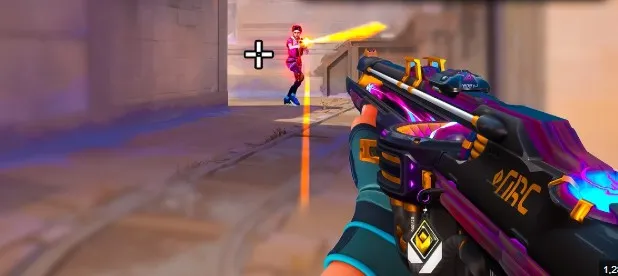
Your crosshair is one of the most important settings in Valorant. While it won't instantly improve your aim, the right crosshair can make it easier to track opponents, line up headshots, and maintain consistency during every match. Because of this, nearly every experienced player spends time adjusting their crosshair until it feels comfortable.
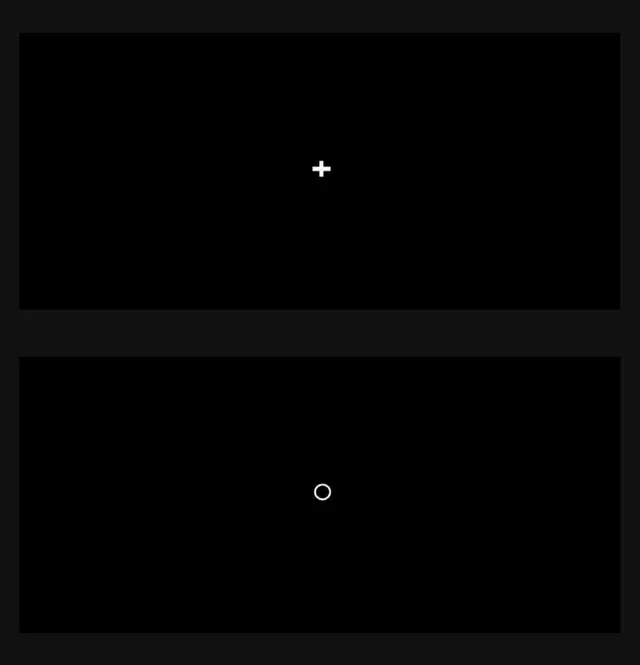
One of the first things new players notice is that professional players all seem to use different crosshairs. Some prefer a tiny dot, others use a small cross, while a few opt for larger designs that are easier to see. The truth is that there isn't a single perfect crosshair only the one that works best for you and your playstyle.
Fortunately, Valorant makes customization incredibly simple. You can adjust colors, outlines, thickness, center dots, opacity, and much more. Riot Games also introduced crosshair profile codes, allowing players to instantly import crosshairs used by friends, content creators, or professional competitors.
In this guide, we'll explain every important crosshair setting, share some of the best crosshair styles for different playstyles, and help you choose a setup that improves both visibility and consistency.
Why Your Crosshair Matters
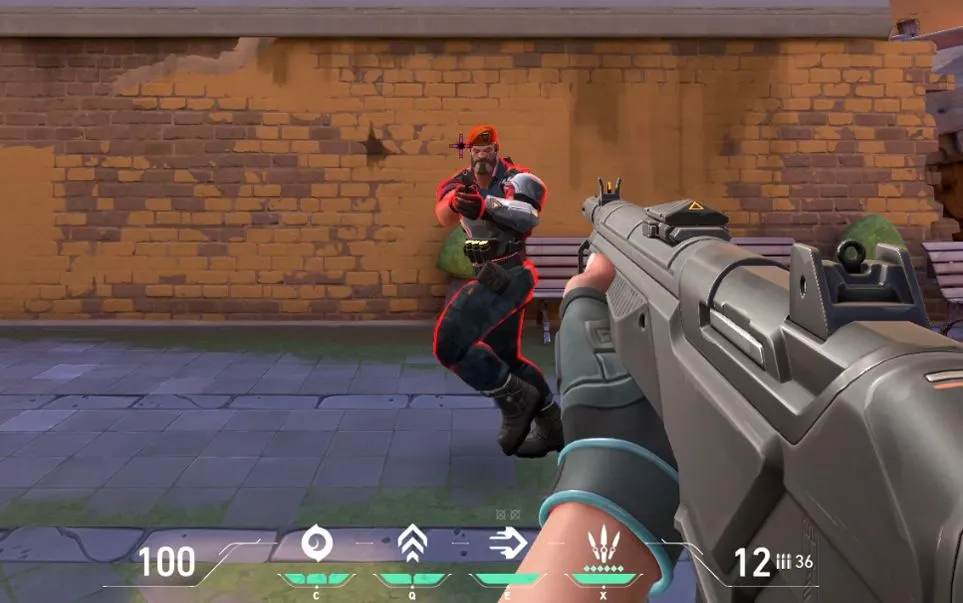
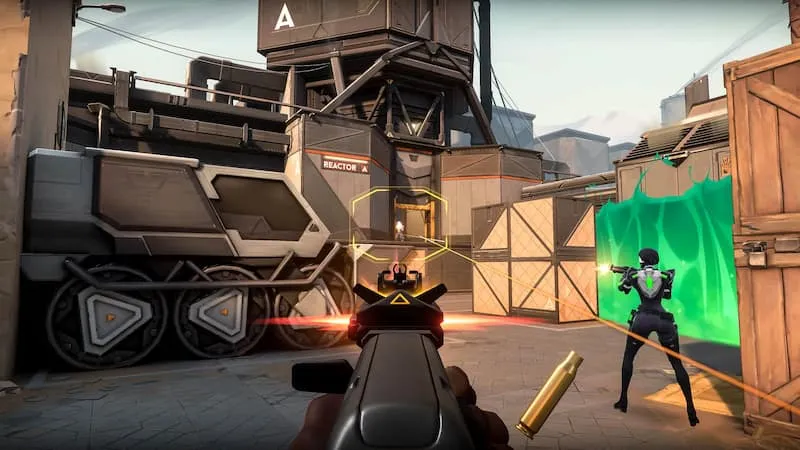
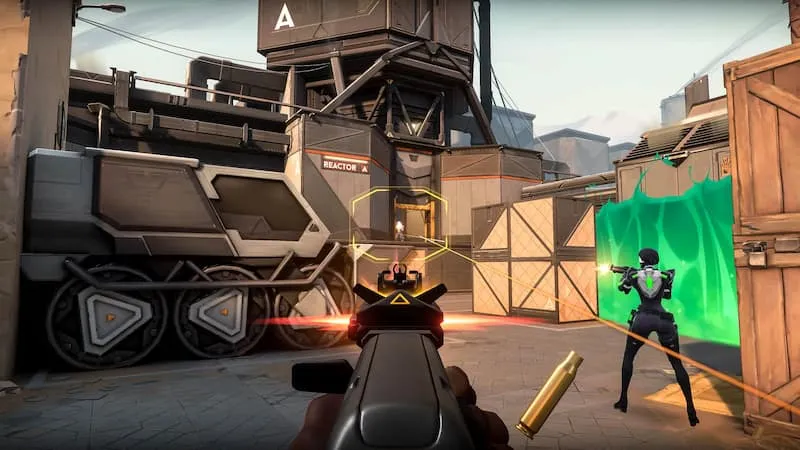
A good crosshair helps you focus on the exact point where your bullets will land.
While mechanical skill remains the biggest factor in aiming, a clean crosshair provides several advantages:
Easier headshot placement.
Better target tracking.
Faster visual recognition.
Reduced screen clutter.
Greater consistency between matches.
The goal isn't to create the smallest or flashiest crosshair it's to choose one that's easy to see without distracting you.
Can a Crosshair Improve Your Aim?
Many players search for the "best pro crosshair" hoping it will instantly improve their accuracy.
Unfortunately, changing your crosshair alone won't make you a better player.
Good aim still depends on:
Crosshair placement.
Mouse control.
Movement discipline.
Recoil control.
Practice.
A comfortable crosshair simply helps you perform those skills more consistently.
Understanding Valorant Crosshair Settings
Valorant offers one of the most detailed crosshair customization systems in competitive shooters.
Some of the main settings include:
Color
Outlines
Center Dot
Inner Lines
Outer Lines
Thickness
Length
Gap
Opacity
Movement Error
Firing Error
Each option changes how your crosshair looks and behaves during gameplay.
Understanding what these settings do allows you to build a crosshair that matches your preferences.
Choosing the Best Crosshair Color
Color is often the first setting players customize.
Your crosshair should remain visible against every map and agent ability.
Popular choices include:
Cyan
One of the most commonly used colors because it stands out well on most maps.
Green
Easy to see in many environments while remaining comfortable for long gaming sessions.
White
Simple and clean but may blend into brighter areas of certain maps.
Yellow
Highly visible in darker environments.
Red
Can work well but occasionally blends with enemy ability effects.
Ultimately, the best color is whichever one remains easiest for you to see during intense fights.
Should You Use a Center Dot?
Some players prefer using only a tiny center dot instead of a traditional crosshair.
Advantages include:
Extremely clean appearance.
Minimal screen obstruction.
Easy headshot reference.
However, many players find small crosshairs more difficult to track during fast movement.
Experiment with both styles before deciding.
Should Movement Error Be Enabled?
Movement Error makes your crosshair expand whenever your character moves.
While this can help beginners understand when they're inaccurate, most experienced players disable it.
Keeping it off provides:
A cleaner screen.
Less distraction.
More consistent aiming.
Instead of relying on crosshair expansion, learn when your weapon becomes accurate through practice.
Should Firing Error Be Enabled?
Firing Error expands your crosshair while shooting.
Like Movement Error, many competitive players disable it.
Reasons include:
Cleaner visuals.
Better visibility.
Less screen movement.
Easier tracking.
After enough practice, you'll naturally understand your weapon's recoil without needing visual indicators.
Small vs Large Crosshairs
There isn't a universally correct size.
Small Crosshairs
Advantages:
Precise.
Better for headshots.
Less visual clutter.
Disadvantages:
Harder to see.
Larger Crosshairs
Advantages:
Easier to track.
Better visibility.
More forgiving for beginners.
Disadvantages:
Can block small targets at long range.
Choose the size that feels comfortable rather than copying someone else's settings.
Static vs Dynamic Crosshairs
Valorant allows players to choose between static and dynamic styles.
Static Crosshair
Always remains the same size.
Preferred by most competitive players because it provides consistent visual feedback.
Dynamic Crosshair
Changes while moving or shooting.
Helpful for beginners learning movement accuracy but generally less popular at higher skill levels.
Best Crosshair Styles for Beginners
If you're new to Valorant, don't worry about creating the "perfect" crosshair immediately. The best beginner crosshair is one that's easy to see, doesn't block your target, and stays consistent during every fight.
A few general recommendations include:
Use a bright color like Cyan or Green.
Keep the crosshair relatively small.
Disable Movement Error.
Disable Firing Error.
Avoid overly complex designs with large outlines or multiple layers.
Simple crosshairs help you focus on crosshair placement instead of unnecessary visual distractions.
Popular Crosshair Styles
While professional players constantly adjust their settings, most competitive crosshairs fall into a few common categories.
Small Cross
The most popular style among experienced players.
Best for:
Headshot accuracy
Precise aiming
Competitive play
Small Dot
A tiny center dot provides a very clean screen and encourages accurate crosshair placement.
Best for:
Experienced players
One tap weapons
Precision aiming
Medium Cross
Slightly larger than the typical professional setup.
Best for:
Beginners
Players using lower resolutions
Improved visibility
Minimal Crosshair
Very thin lines with little or no outline.
Best for:
Players who prefer an uncluttered screen.
Long range fights.
Competitive gameplay.
Should You Copy Professional Players?
Many players search for professional crosshair codes hoping they'll instantly improve.
The reality is much different.
Professional players choose crosshairs based on:
Personal preference.
Monitor size.
Resolution.
Mouse sensitivity.
Years of muscle memory.
Copying a pro's settings won't automatically improve your aim.
Instead, use professional crosshairs as inspiration before making adjustments that feel comfortable for you.
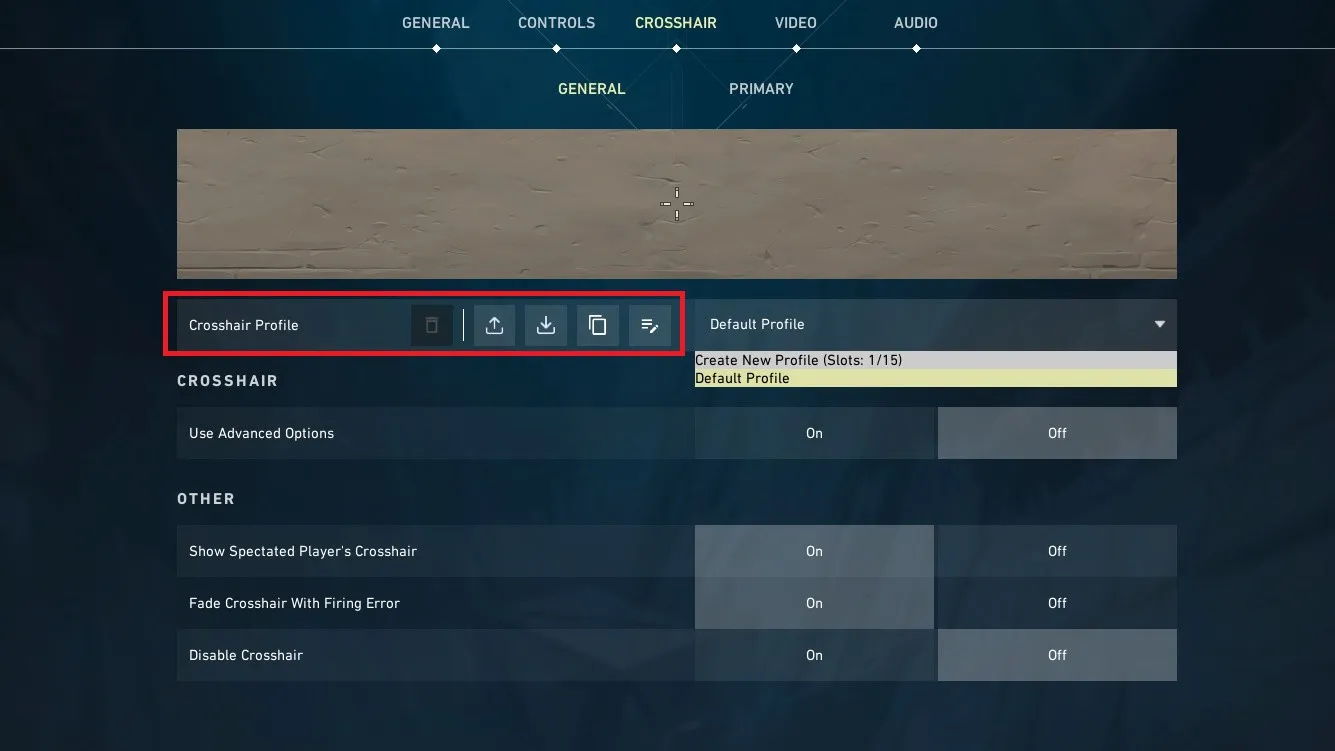
How to Import a Crosshair Code
Valorant makes it easy to share crosshair profiles.
To import a code:
Open Settings.
Select the Crosshair tab.
Click the Import Profile Code button.
Paste the code.
Save the profile.
You can also create multiple crosshair profiles and switch between them whenever you want.
This allows you to experiment without losing your favorite setup.
Tips for Finding Your Perfect Crosshair
Finding the right crosshair usually takes experimentation.
Try changing only one setting at a time.
For example:
Adjust the color.
Play several matches.
Change the gap.
Test again.
Reduce the size if it feels too large.
Making small adjustments is much easier than rebuilding your crosshair after every game.
Common Crosshair Mistakes
Many players unknowingly make their crosshair harder to use.
Constantly Changing Your Crosshair
Switching crosshairs every few games prevents you from developing consistent muscle memory.
Once you find a comfortable setup, stick with it for a while.
Making It Too Small
Tiny crosshairs may look clean but can become difficult to see during fast paced fights.
If you regularly lose track of your crosshair, consider increasing its size slightly.
Making It Too Large
Oversized crosshairs can block enemy heads and make precise aiming more difficult.
Try to balance visibility with accuracy.
Using Distracting Colors
Some colors blend into certain maps or overlap with ability effects.
Choose a color that remains visible in every environment.
Relying on Dynamic Crosshairs
Movement Error and Firing Error create additional visual movement that many competitive players find distracting.
Static crosshairs are generally preferred because they remain consistent throughout every engagement.
Conclusion
A well designed crosshair won't instantly transform your aim, but it can make aiming feel more comfortable, consistent, and reliable. The best crosshair is one that stays clearly visible, doesn't distract you during fights, and matches your personal preferences. Whether you choose a small cross, a center dot, or a slightly larger design, consistency is far more important than copying someone else's settings.
As you continue improving in Valorant, focus on building good habits alongside your crosshair setup. Strong crosshair placement, disciplined movement, and regular practice will have a much greater impact on your performance than any individual setting. Use your crosshair as a tool that supports your gameplay, and don't be afraid to make small adjustments until you find the setup that feels right for you.